EasyEdit - website building made easyThe EasyEdit system, Bluepark’s unique and intuitive interface for editing your site, revolutionises site building. It allows you to simply double-click on areas of the page you’re viewing to edit them directly, or to drag and drop blocks of content around the page in real time. 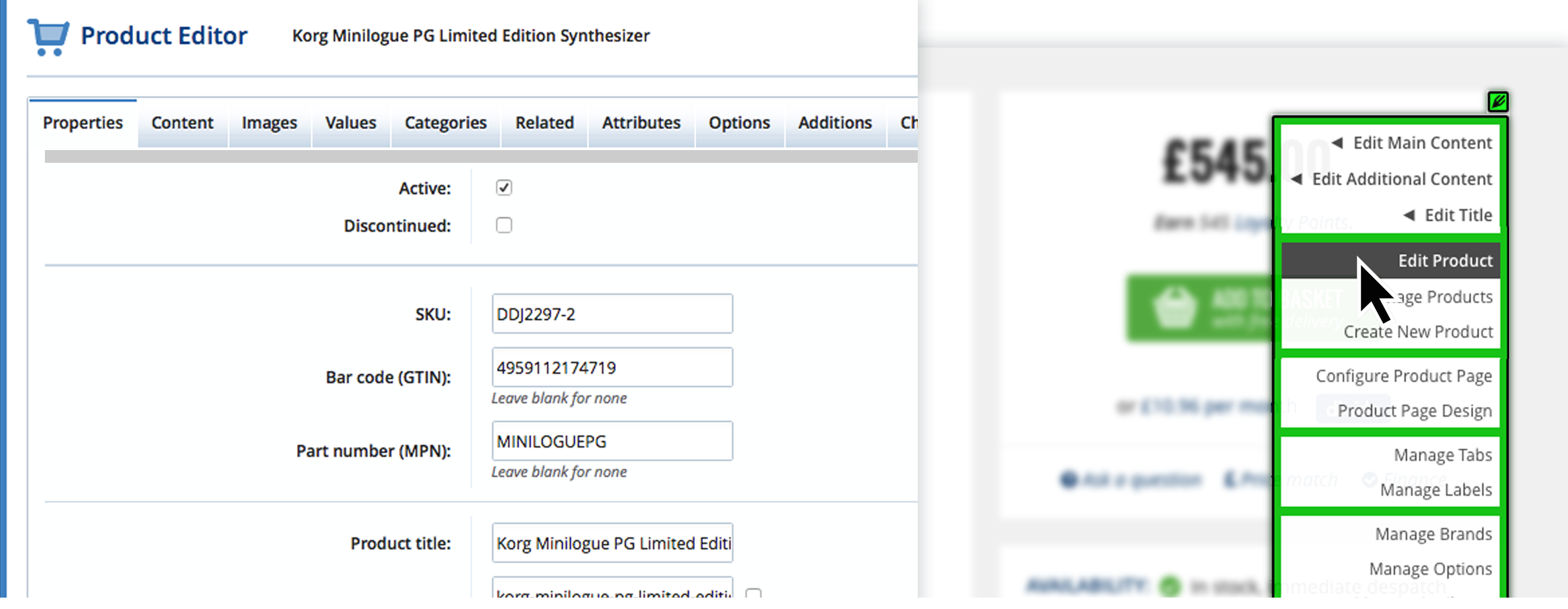 Access editing tools from your website storefrontThe website you build with Bluepark’s CMS is generally controlled via the “back end” Admin system, but the EasyEdit feature provides you with access to these functions via the “front end” as you browse your site, allowing you to spend less time maintaining your site and more time running your business. 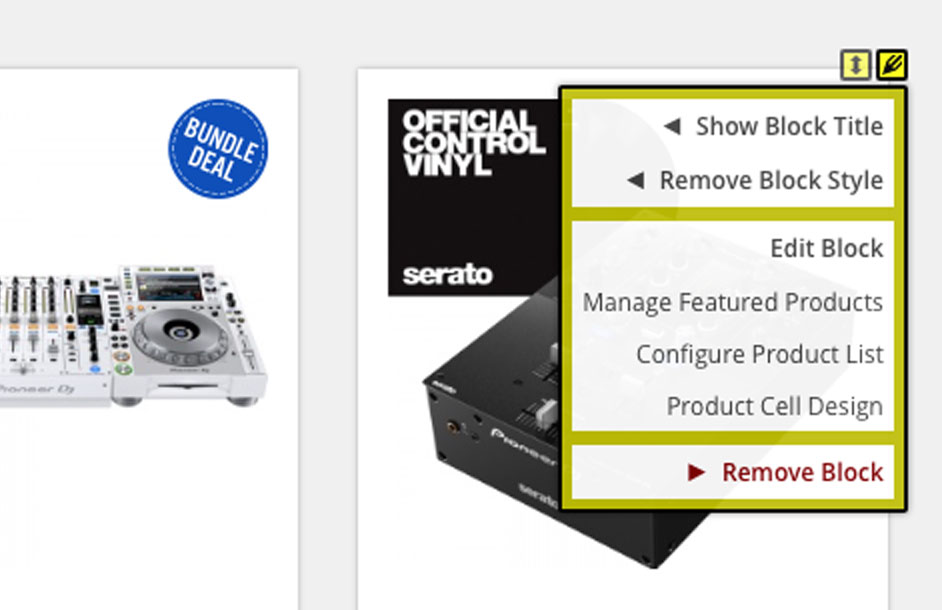 Edit All Types of Content Each page on a Bluepark site consists of the following: EasyEdit Icons Pencil icons and drag handles can be found throughout your website’s pages, allowing you to simply point and click on the part of the page or block you wish to edit. Simply make your changes and save.  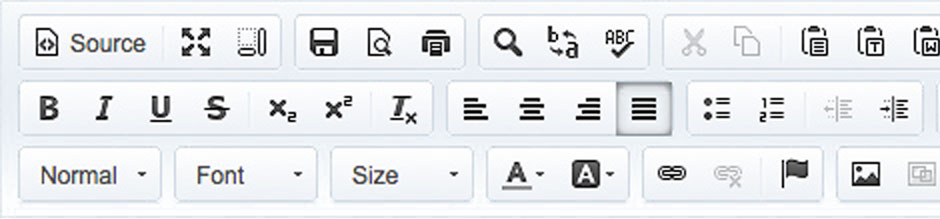 Content Editor At the heart of the Bluepark admin panel is a powerful Content editor. If you are familiar with a word processor, then you’re already fully qualified to edit a page on your website. Code Editor For advanced users, full access to the HTML source code is available, along with the ability to include JavaScript, images, movies and interactive forms on any page, giving you complete control over your page content. 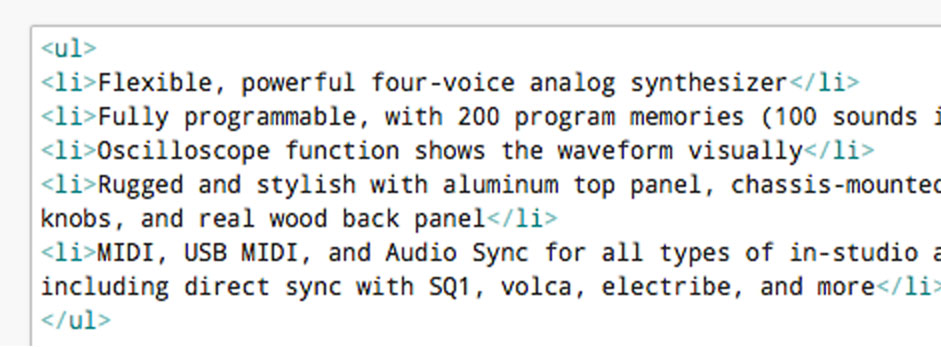 Try Bluepark for FREE for 14 daysFull access to everything including our support team, no card details required |


|